1. Export a CSV marker file from Frame.io
Export comments from Frame.io in the video comments menu "Download to File" > "CSV".
2. Use the "标记转换器" to convert the CSV marker file into a CSV file
Open the free 标记转换器, select "Frame.io > Comments (.csv)" and set "convert" to "CSV for Apple Numbers". Generate and download the file. 如果您在转换文件时遇到问题,可以联系免费支持。
3. Import the CSV file into Numbers
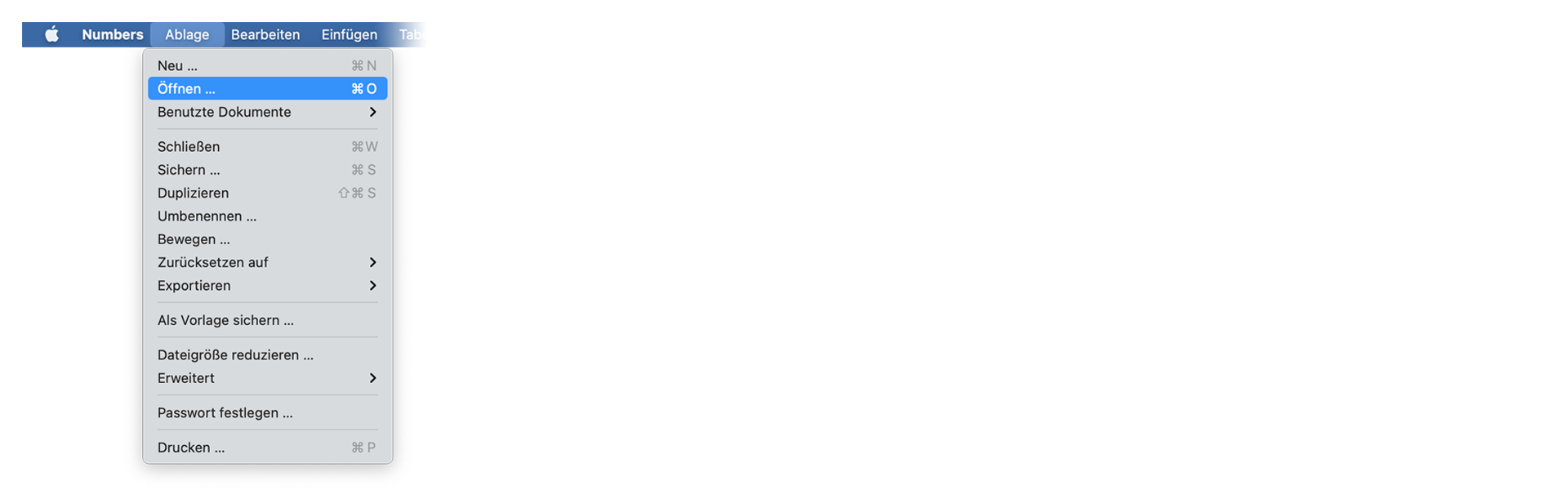
Open Numbers and go to "File -> Open". Simply open the CSV file.
🚀 完成
暂时就是这些!如果您觉得本教程有用,请分享它以支持我们。如果您对改进工作流程有任何建议,请告诉我们!