1. Export a CSV file from Live Timecode Notes app
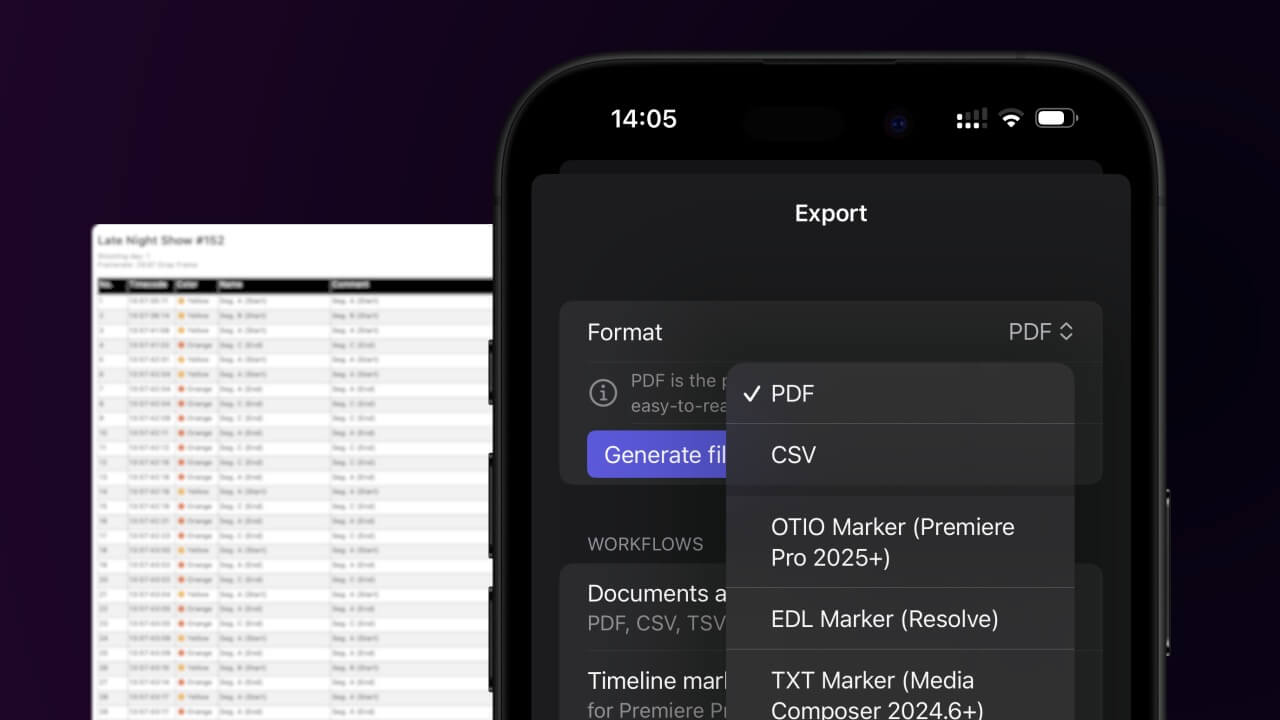
Open the project in the app, then select "Export Notes" from the top menu. Select "CSV". Generate and save the file.
2. Use the "字幕工具和转换器" to convert the CSV file into a DFXP subtitle file
Open the free 字幕工具和转换器, select "CSV" and set "convert" to "DFXP". Generate and download the file. 如果您在转换文件时遇到问题,可以联系免费支持。
Make sure the CSV contains a column called "Timecode In", "Timecode Out" and "Subtitle". Otherwise it will not work.
🚀 完成
暂时就是这些!如果您觉得本教程有用,请分享它以支持我们。如果您对改进工作流程有任何建议,请告诉我们!