Marker Tool & Converter
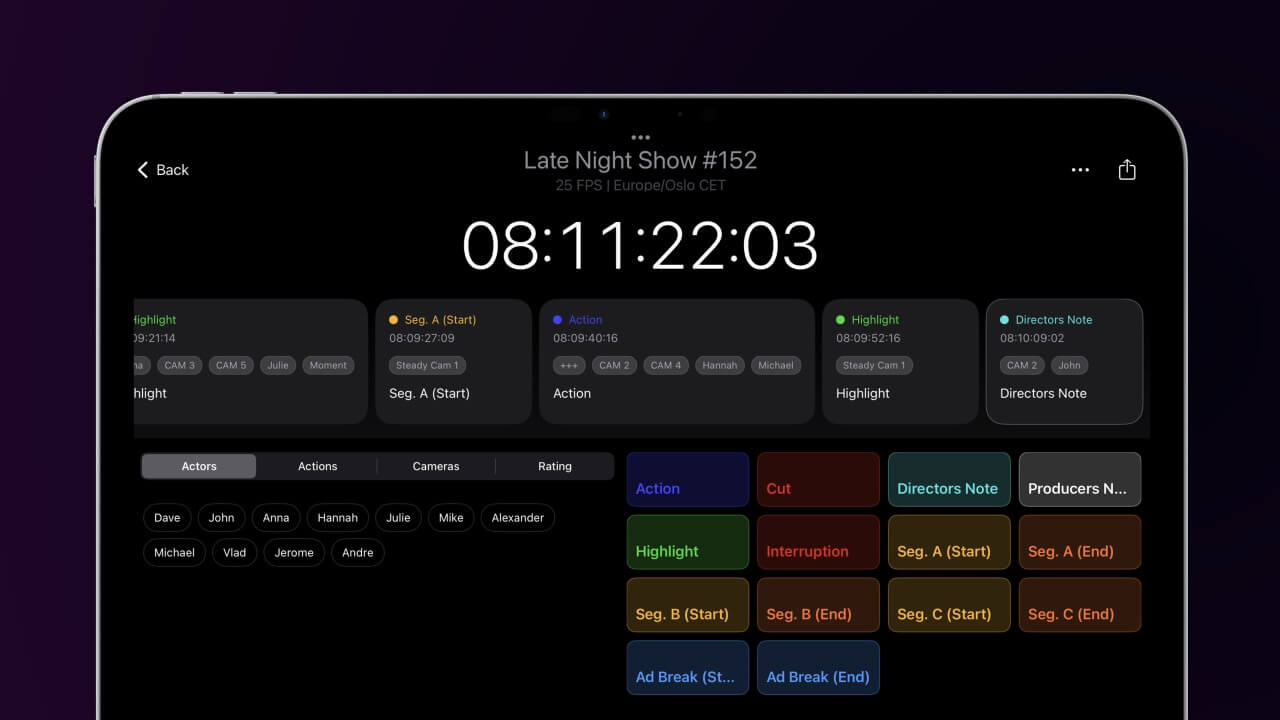
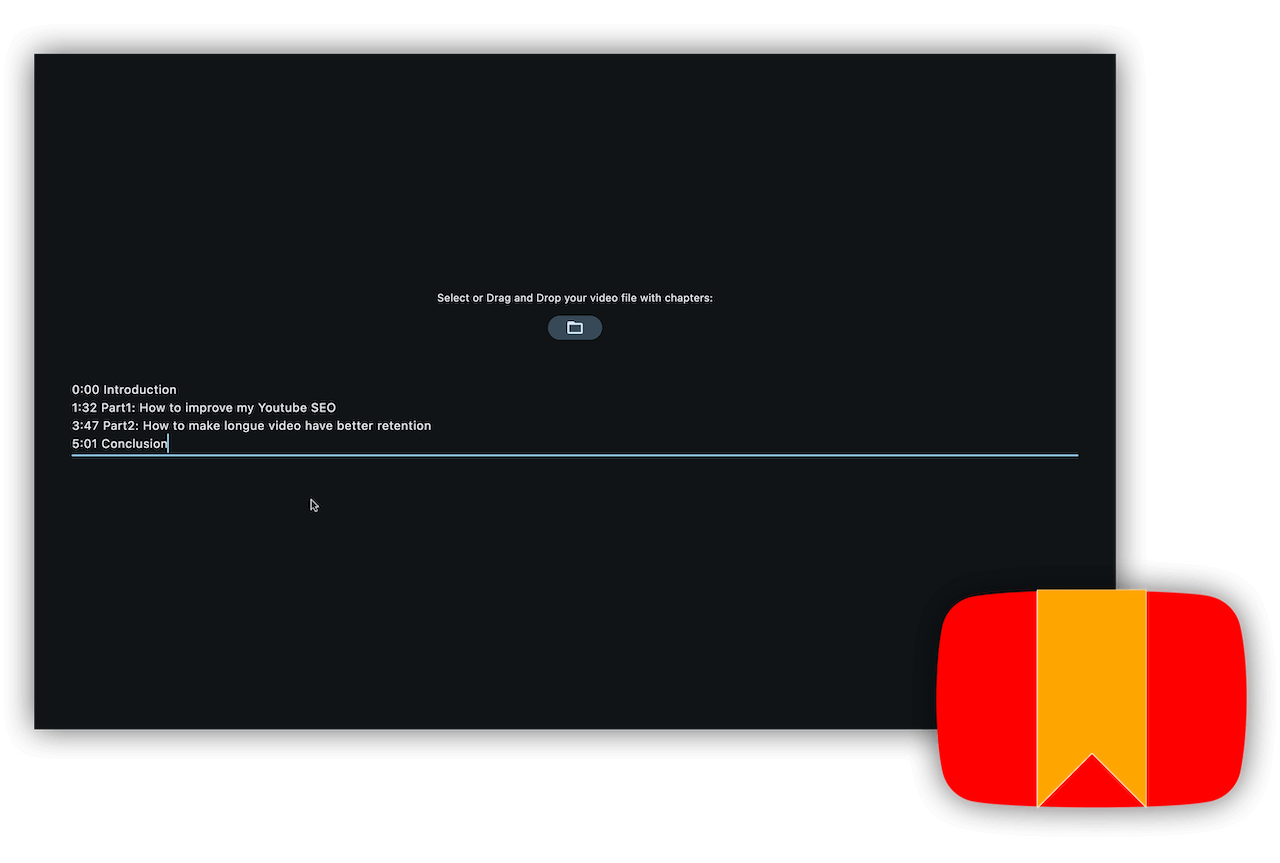
The EditingTools.io Marker Tool & Converter helps with converting and modifying different marker files across different applications.
The EditingTools.io Marker Tool & Converter helps with converting and modifying different marker files across different applications.

Requires macOS 14.6 or later
iPhone & iPad iOS 17.6 or later
The EditingTools.io Marker Converter helps with converting sequence markers into various file formats. This app is a smaller version of our online marker converter and works completely offline.
We build this app with security in mind, which means no data is shared with any third party and everything is stored and processed locally unless you choose to share the files. Data processing is local, secure and confidential and can also be used for top secret projects.
We offer three types of licenses. The single-user license is ideal for freelancers who want to use the software on one or two computers. This license is tied to a single account. For companies, we offer a team license, which is bound to the company. The number of licenses can be chosen upon purchase, with a minimum of three licenses. We also offer an enterprise option. Please contact our sales team for more information. All licenses are perpetual.
请注意:该插件本身目前仅提供英文版本。
You will be redirected to the secure "Paddle" checkout. Paddle.com is the Merchant of Record.
反向充电: If you are buying for a company and have a VAT ID, you may be able to use the reverse charge procedure in some countries. On the checkout page, click "Add VAT ID" on the left after selecting your country and postcode.
如果您有任何问题或功能需求,请联系我们的支持团队。我们将竭诚为您服务!
下载后,解压缩并启动 .app 文件。然后按照安装向导进行操作即可。
是的,如果有可用的更新,您可以免费下载。
不会,此应用程序可脱机运行,不会在线共享您的任何项目数据。
您只需从电脑中删除 .app 文件即可。
如果您需要应用程序的功能、新选项或定制版本,请给我们发送信息。我们将为您的业务提供定制解决方案。